API Portal Access
To start using the Odos API, you must first register for an account on the Odos API Portal. You will receive an API key for the base free plan upon registration. This free plan allows up to 2 RPS with 4,000 daily requests, and up to 120,000 monthly requests.
Registration Steps
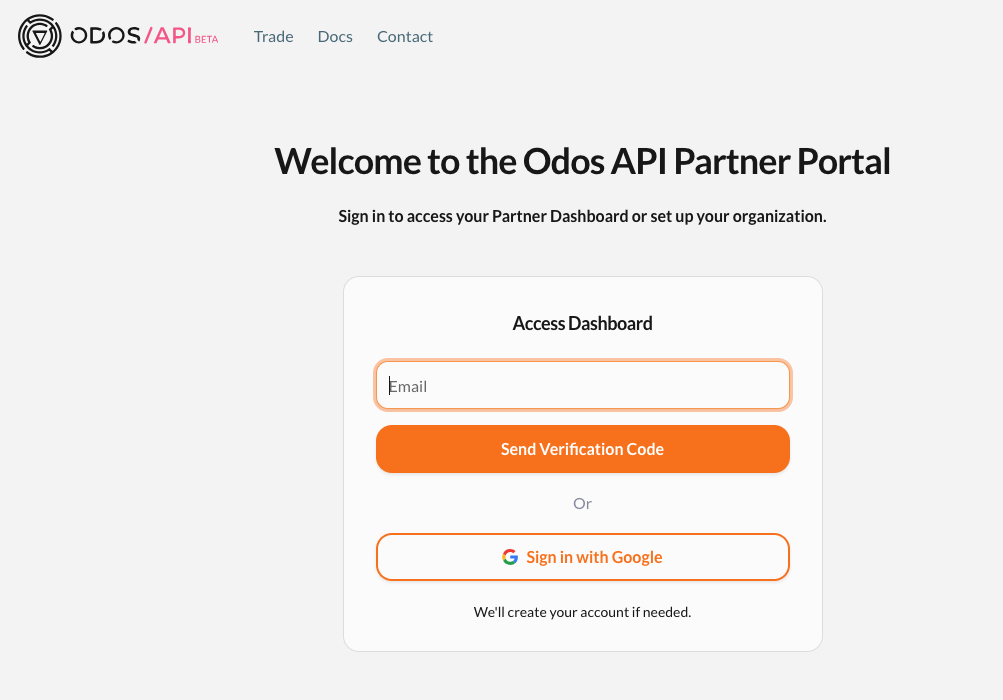
- Visit the Odos API Portal
- Enter your email address
- You will receive a verification code to your email address (from @dynamicauth.com)
- Enter the verification code to complete the login.
Google authentication does not require a verification code
Accessing the Dashboard
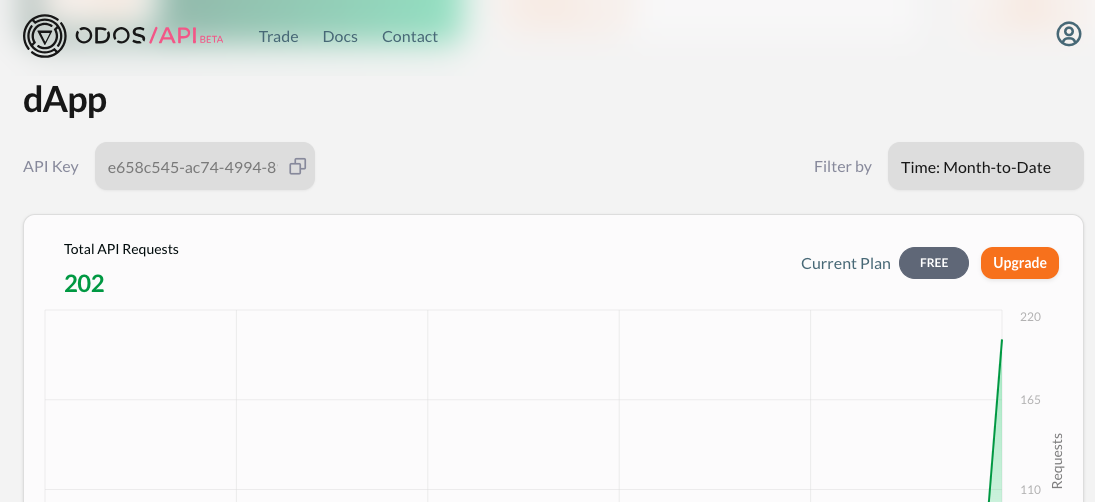
After logging in, you will be redirected to the Odos API dashboard. From here, you can:
- Monitor request volume
- View usage limits
- Upgrade your plan
- Update beneficiary wallet address for the Odos partner program (if applicable)
Support
- Join the Odos Discord Community to connect with other developers and our team.